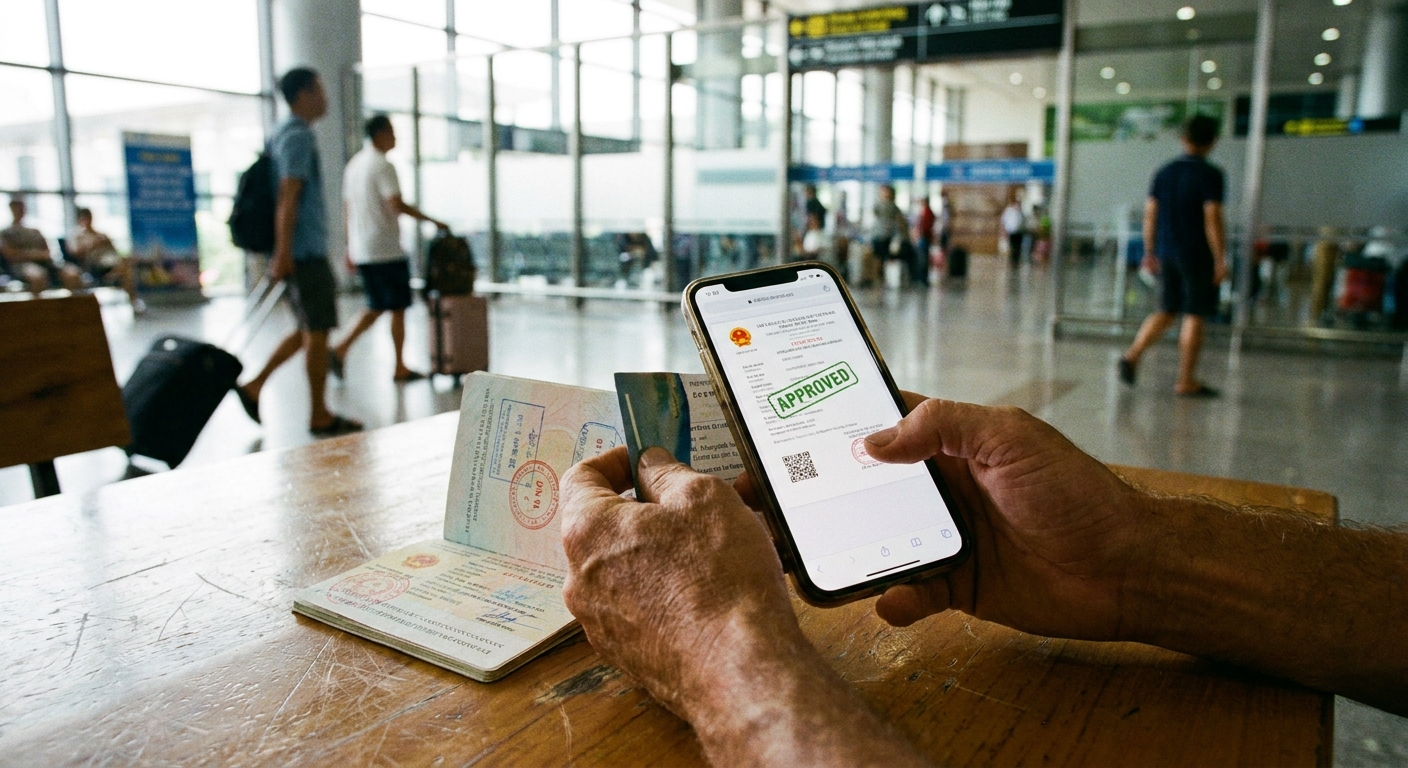
There is a specific kind of anxiety that settles in while sitting at a cafe in Hanoi or waiting in a departure lounge, tapping your phone screen to see if your Vietnam e-visa status has finally flipped from “Processing” to “Granted.” The Vietnamese government’s official immigration portal is functional, but it isn’t exactly optimized for the fluid, frantic nature of mobile browsing. You are likely holding your phone with one hand, nursing a coffee or wrangling a suitcase with the other, and the last thing you want is for a page refresh to wipe away the progress you’ve made.
The most common pitfall when checking your e-visa status on mobile is losing the registration code. This is the alphanumeric string sent to your email the moment you submitted your application. Without it, you are effectively locked out. Before you even open your browser, find that email. Do not rely on your memory to type it out. Long-press on the code in your email app, copy it, and keep it on your clipboard or paste it into a dedicated note-taking app. If you lose that code, the status page becomes a brick wall; there is no “forgot my password” flow that will easily recover your application status if the registration code goes missing.
Managing Browser Quirks and Mobile Load Times
Once you are on the official site to check your e-visa phone status, you will notice the interface behaves differently than a desktop version. Mobile browsers often cache data, which can occasionally display an outdated status or cause the site’s security captcha to hang. If you see the screen spinning indefinitely, do not instinctively hit the refresh button. That spinner is often just a result of the site communicating with a backend database that handles thousands of requests per second. Give it a full sixty seconds before you do anything. If it truly hangs, close the tab entirely and start the query over rather than refreshing the current page, which can trigger a session timeout.

When you input your registration code, your date of birth, and your email address, ensure your phone’s auto-correct isn’t “helping” you by capitalizing the first letter of your registration code if it should be lowercase, or adding a phantom space after your email address. It sounds minor, but these inputs are case-sensitive and character-perfect. If you are struggling with the captcha, keep in mind that the mobile display might obscure parts of the letters if you are in landscape mode. Toggle your phone to portrait mode for a cleaner view of the input fields and the image verification.
While you wait for that status to change, remember that the processing timeline is usually three to five working days, but “working days” in Vietnam excludes weekends and public holidays like the Tet festival or National Day. Your phone might show “Processing” for days on end, and that is normal. The system does not update in real-time with small incremental changes; it is a binary system. It stays in the queue until the final adjudication is made. Constantly checking it three times an hour will not speed up the process, nor will it change the outcome. In fact, excessive refreshing can occasionally lead to the portal flagging your IP address as a potential bot, which will only delay your ability to get back into the system.
If you have been waiting beyond the five-day mark, the status page is where you will find the notification of any “request for information” or “refusal.” If the status reads “Refused,” you will usually see a comment box explaining why—perhaps your passport photo was blurry or the scan of your data page was cut off. If this happens, your mobile browser is the best tool to quickly download the required forms, edit your scan, and re-upload the corrected documentation. Keep your scanned passport and photo files in a “Vietnam Visa” folder within your phone’s photo library or files app. Having these pre-sorted assets saves you from having to hunt through hundreds of vacation photos when you are under a tight deadline to fix an application error.
Checking your e-visa status while on the move is entirely manageable if you treat your registration code as a high-value asset and respect the limitations of the portal’s mobile interface. Once you finally see the “Granted” status, take a screenshot immediately. Save it as a favorite in your photos app, and if your device allows it, print a copy to a cloud-based printer or email it to a secondary account. Having a physical or easily accessible digital copy of the visa grant notice is essential for the moment you land at the airport in Ho Chi Minh City or Hanoi.