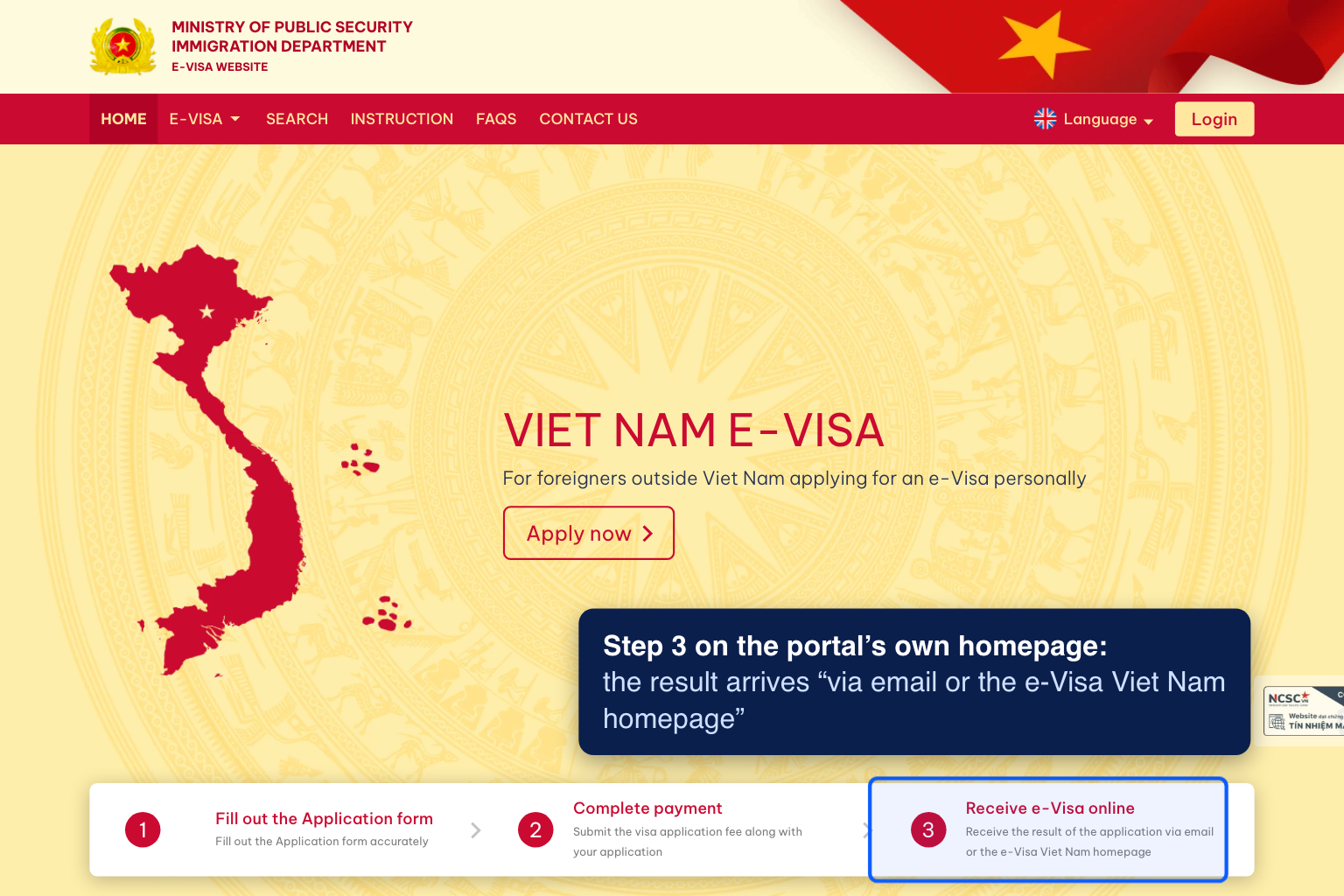
There is a specific kind of relief that comes from seeing the word “Approved” on a status page, and a specific kind of dread that follows five minutes later when the inbox is still empty. You did the hard part — the waiting is over, the decision has been made — and yet the one file you actually need to board a flight is nowhere to be found. Before you assume something has gone wrong with your application, it helps to know that this gap between “approved” and “email received” is one of the most common points of confusion in the entire process, and it is very rarely a sign that your visa itself is in trouble.
The most frequent explanation is the least dramatic one: spam filtering. Government and immigration domains are not always on the friendly list that email providers maintain for trusted senders, and an automated message announcing an official approval can trip the same filters built to catch phishing attempts pretending to be exactly that. Gmail, Outlook, and most corporate mail systems will quietly route it to a spam or promotions folder rather than bouncing it outright, so the message usually did arrive — it is just sitting somewhere you were not looking. A second common cause is a typo at the application stage. A single transposed character in an email address does not trigger any error during submission, because the portal has no way to know the address is wrong; it simply sends the confirmation into a void, and the applicant never finds out until they go looking for it.
There is also a timing quirk worth knowing about. The status flag on the online portal and the automated email are not always generated by the same process at the same moment. It is common for the portal to update to “Approved” a few hours before the notification email actually gets queued and sent, particularly during busier periods when the system is processing a larger batch of decisions. If your status changed in the last hour or two, the practical move is simply to wait a little longer before troubleshooting anything — most delayed emails do eventually land within that window.
Getting the PDF without waiting on the inbox
If it has been several hours, or you are close enough to your flight that “wait and see” is not a comfortable plan, the good news is that the email was never actually the only route to the document. The government e-visa portal keeps a permanent copy of every approved application, retrievable through the site’s lookup tool using the registration number and the date of birth you submitted with. That lookup does not depend on your email working correctly at all — it pulls directly from the same record the approval was logged against, so it works even if the notification never sends. This is worth doing as your first move rather than a last resort, since it resolves the situation in minutes regardless of what happened with your inbox.
Before you do that lookup, it is worth double-checking your spam and promotions folders one more time, along with searching your inbox for the sender’s domain rather than scrolling for a subject line — filtering software occasionally alters or truncates subject text in ways that make it harder to spot at a glance. If a search turns up nothing at all across every folder, that is a fairly strong signal the address was mistyped at submission, which the portal lookup sidesteps entirely since it does not rely on your email being correct in the first place.
Once you have the document in hand, whether from the inbox or the portal, it is worth printing a physical copy in addition to keeping it on your phone. Airport check-in staff and immigration counters vary in how comfortable they are relying on a phone screen, particularly if the battery is running low after a long-haul flight, and a paper copy removes that variable entirely. The gap between “approved” and “in your hands” is almost always a delivery quirk rather than a decision problem — the portal lookup exists precisely so that an unreliable inbox never has to be the reason your approved visa doesn’t reach you in time.